
From your dashboard click the Admin icon  at the top right corner of the screen.
Under Manage Users you are able to choose the user you wish to edit

Click “Edit” on the desired user
Scroll to the bottom of the screen, click the “Deactivate” button.
To reactivate a user:
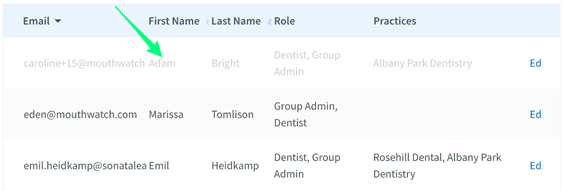
Click on the switch "Show deactivated users." This will turn blue

Locate the deactivated user in the Managing Users panel.
Click “Edit.”
Scroll to the bottom of the screen and click “Reactivate User.”
Comments
0 comments
Article is closed for comments.